Equipment library
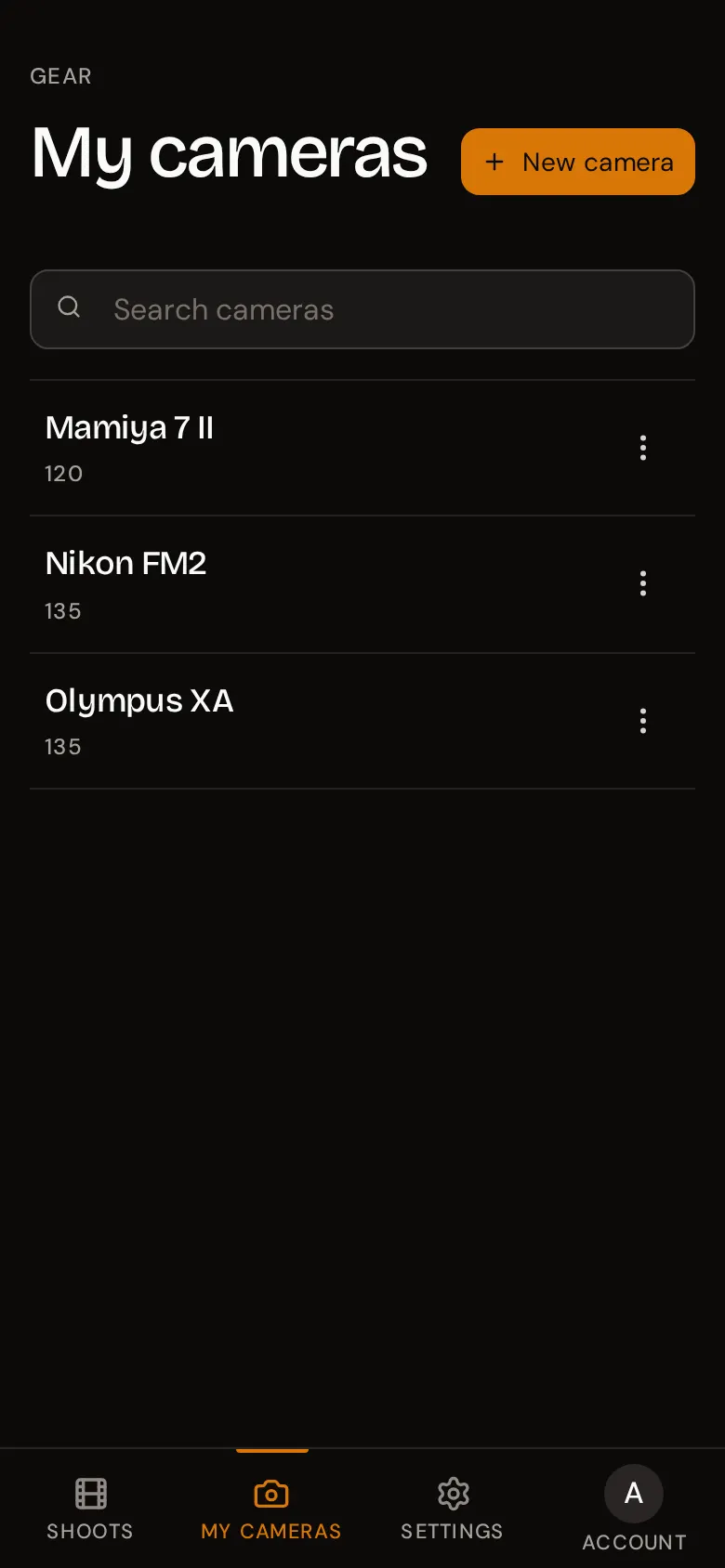
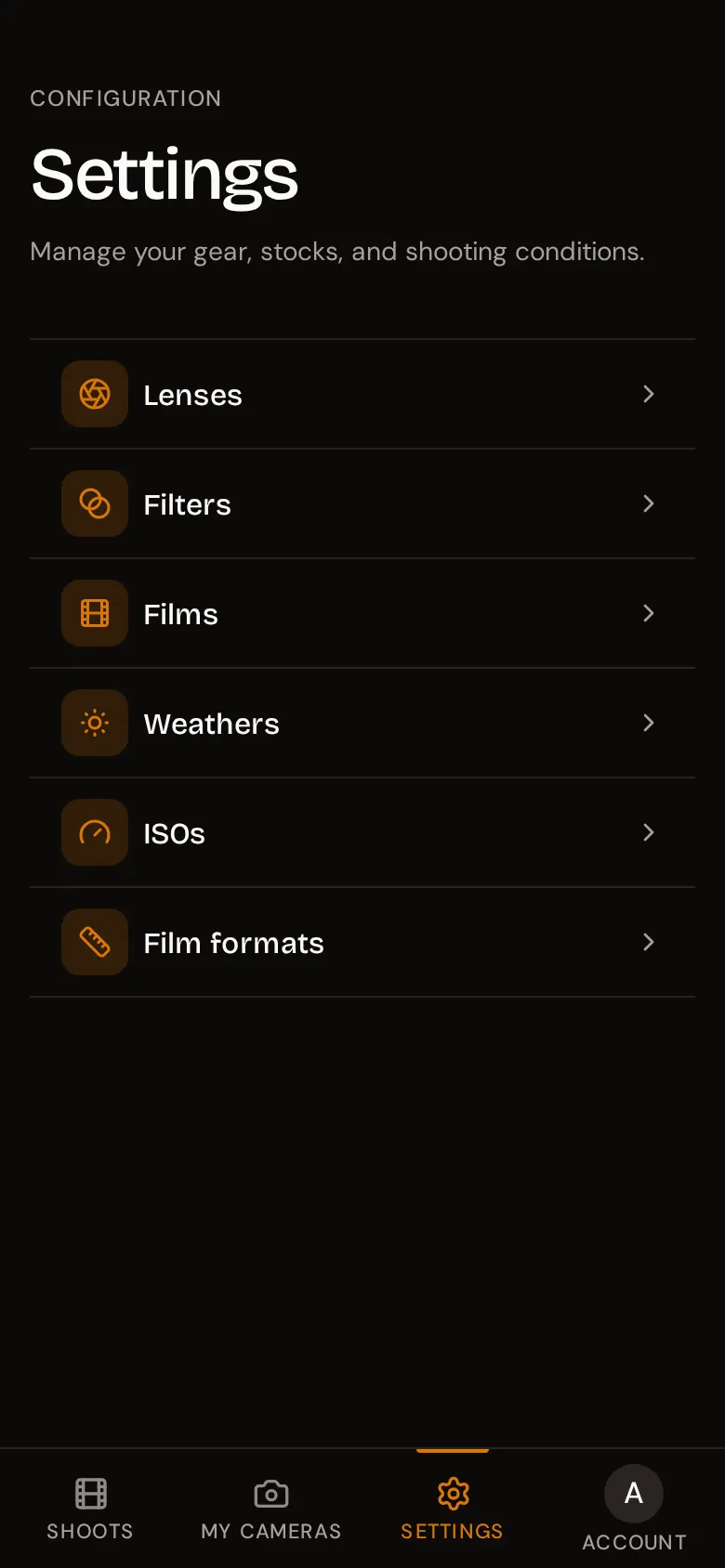
Your gear and presets are entered once and reused on every shoot and frame. Cameras have their own tab, My cameras. Everything else lives under Settings: Lenses, Filters, Films, Weathers, ISOs, and Film formats.
How the lists work
Every list follows the same pattern:
- Add (or New camera) opens a form; Save adds the item.
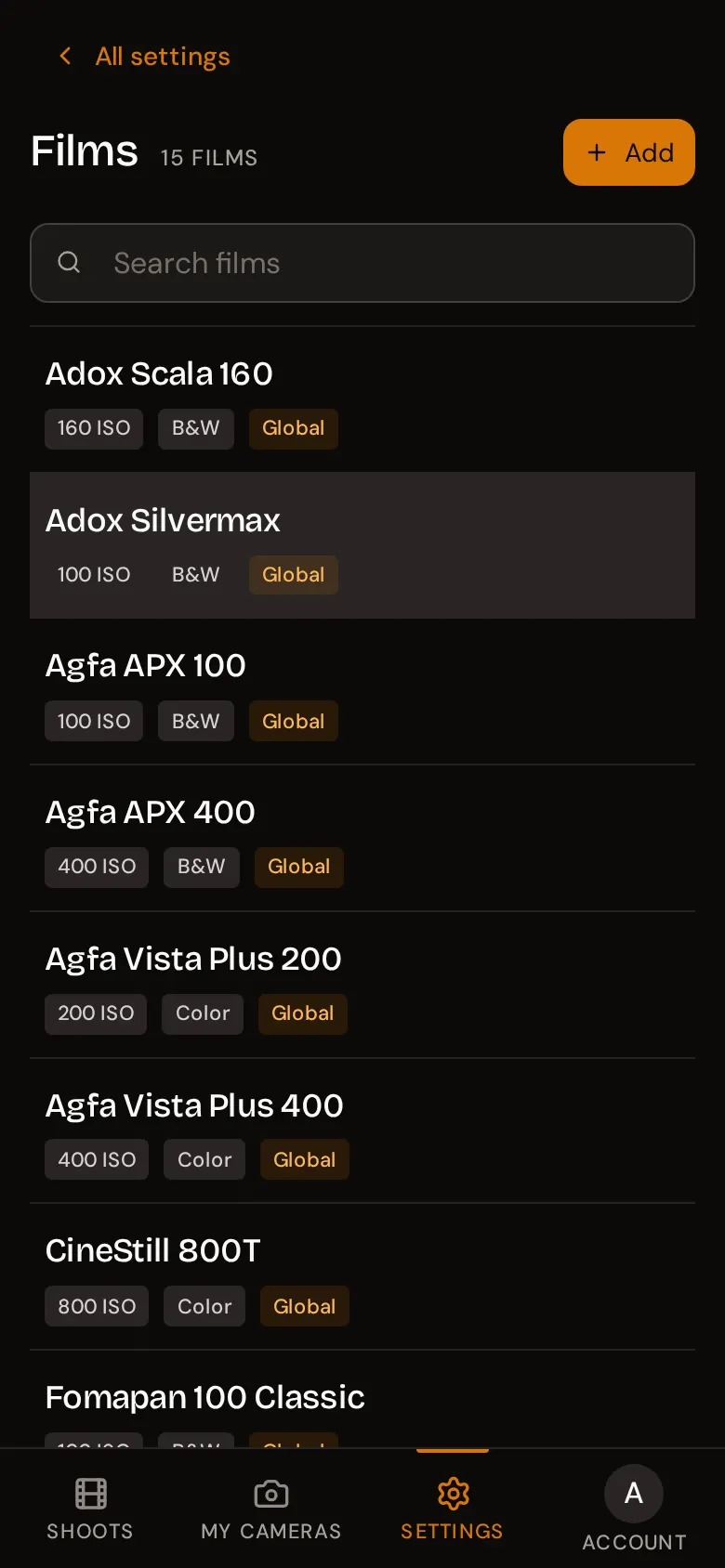
- The three-dot menu on an item offers Edit and Delete. It only appears on your own items: global presets, marked with a Global tag, are read-only.
- Cameras, Lenses, Filters, and Films have a search box. The other lists are short enough to scroll.
- Long lists load more items as you scroll down.
You don’t have to fill these lists in advance. Wherever you pick an item - a film on a shoot, a lens or filter on a frame - the picker has a New … button that adds it on the spot and selects it for you.
On a phone, Settings shows the six lists as a menu; tap one to open it and use All settings to go back. On a desktop, the menu and the open list sit side by side.
Cameras
Your camera bodies, used to tag each shoot. Open My cameras and press New camera.
| Field | Required | Notes |
|---|---|---|
| Camera | Yes | The camera’s name, up to 150 characters. For example Nikon FM2. |
| Format | No | The film format it takes, such as 135 or 120. |
There are no preset cameras; the list is yours alone.
Lenses
The lenses you shoot with. A lens is required on every frame, so add the ones you use most.
| Field | Required | Notes |
|---|---|---|
| Lens | Yes | Up to 150 characters. Include what helps you tell them apart, for example Nikkor 50mm f/1.4 AI-S. |
Lenses are personal; there are no presets.
Filters
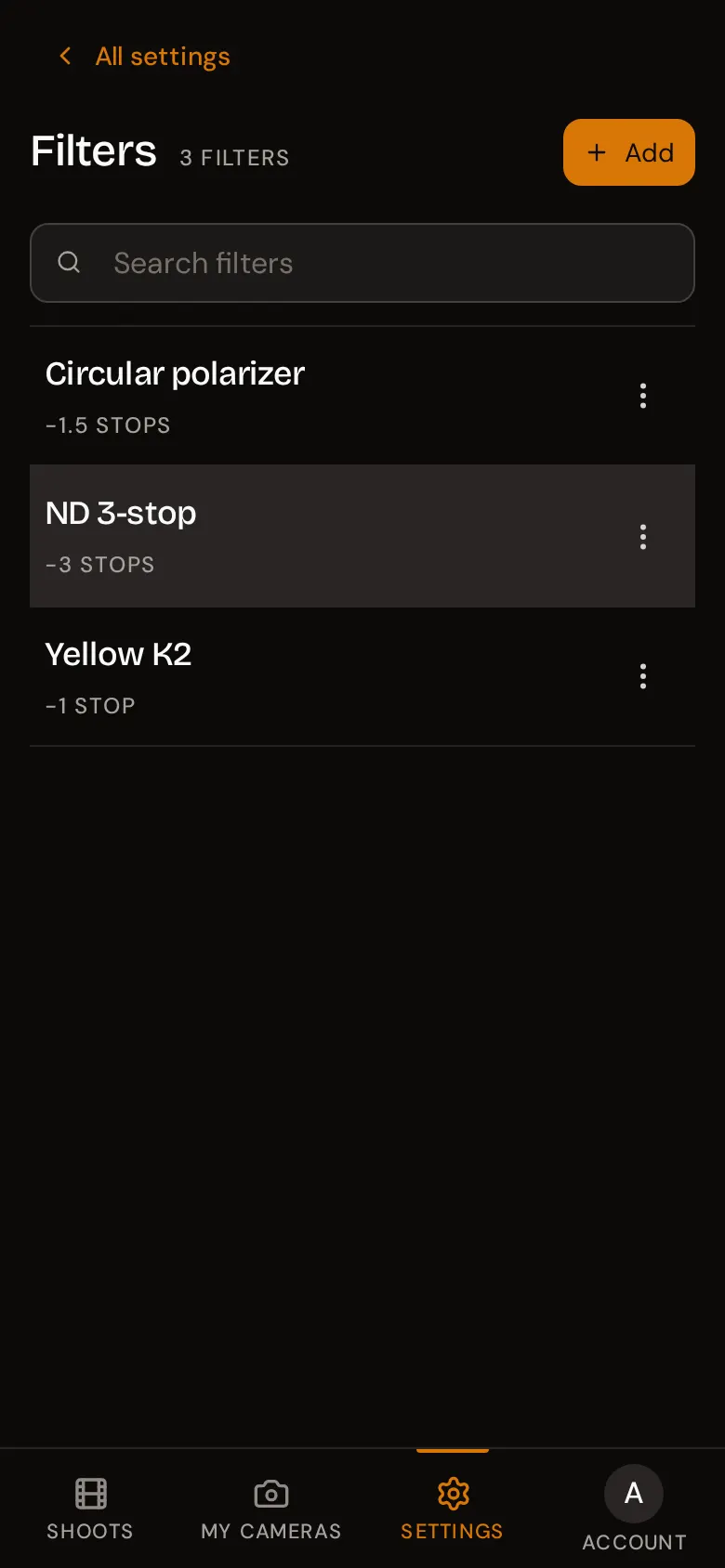
Anything you screw on the front of the lens: ND, polarisers, colour filters for black and white, graduated filters.
| Field | Required | Notes |
|---|---|---|
| Name | Yes | Up to 255 characters. For example Yellow K2. |
| Stops of compensation | No | How much light the filter costs, in stops (0 to 10), up to two decimals. Use the + and - buttons or type a value. |
Enter compensation as a positive number: a yellow filter that needs one extra stop is 1, and the filter card shows it as -1 stop of light. Filters are personal; there are no presets.
Films
Film stocks for your shoots. About 50 common stocks come built in, each tagged Global, with its box speed and whether it is colour or black and white.
| Field | Required | Notes |
|---|---|---|
| Film name | Yes | Up to 255 characters. |
| ISO | Yes | The box speed. Press New ISO if yours isn’t listed. |
| Color film | - | On by default. Switch it off for black and white. |
Film names must be unique across the whole instance, including the built-in stocks. If saving a new film fails with an error, a film with that exact name probably exists already: search the list for it before adding your own.
Weathers
The light conditions you pick in step 2 of the frame wizard. Fifteen come built in: Sunny, Partly Cloudy, Cloudy, Drizzle, Rainy, Stormy, Hail, Snowy, Foggy, Lightning, Clear Night, Cloudy Night, Rainy Night, Partly Rainy, and Sunny Snow.
| Field | Required | Notes |
|---|---|---|
| Name | Yes | Up to 255 characters. For example Golden hour. |
| Icon | Yes | One of 15 weather icons, from Sunny to Clear Night. |
| Description | Yes | A short explanation, shown under the name. |
As with films, names must be unique across the instance, so you cannot reuse the name of a built-in condition.
ISOs
The film speeds available when you set up a film or a shoot. The usual values from 6 to 12800 come built in.
| Field | Required | Notes |
|---|---|---|
| ISO Value | Yes | A number up to 204800. Decimals are allowed (up to two). |
Add a value when you rate a film at an unusual speed, for example a stand development at ISO 1600 or a slide film at ISO 0.8. Each value can only exist once on the instance, so if saving fails, the value is probably already in the list.
Film formats
The formats used to tag cameras and shoots. Built in: 135, 120, 4x5, 8x10, 110, 127, 220, 5x7, and 9x12.
| Field | Required | Notes |
|---|---|---|
| Format | Yes | Up to 25 characters. For example 6x17 or Instax Mini. |
Deleting gear that is in use
You can delete a camera, lens, filter, film, weather condition, or format even when shoots or frames use it. Your shoots and frames are kept; the deleted item is simply removed from them, and the field shows as empty.
The one exception is an ISO value used by a film. rollnote refuses to delete it and shows This element is linked to a film. Change or delete the films that use it first.
Deleting gear cannot be undone, and re-creating an item with the same name does not re-link it to old frames.