01
Set up your kit.
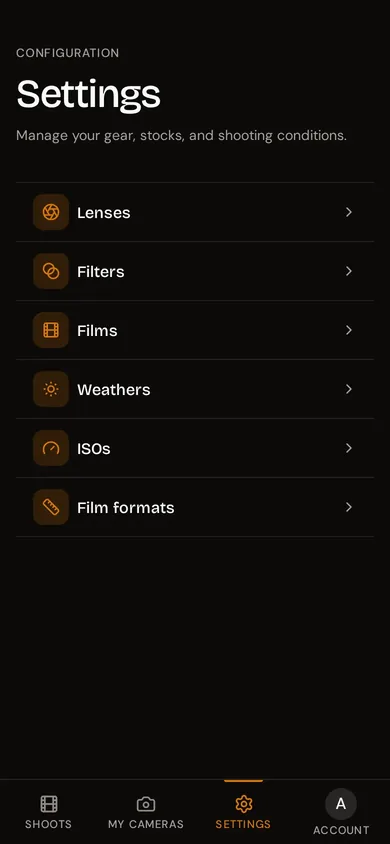
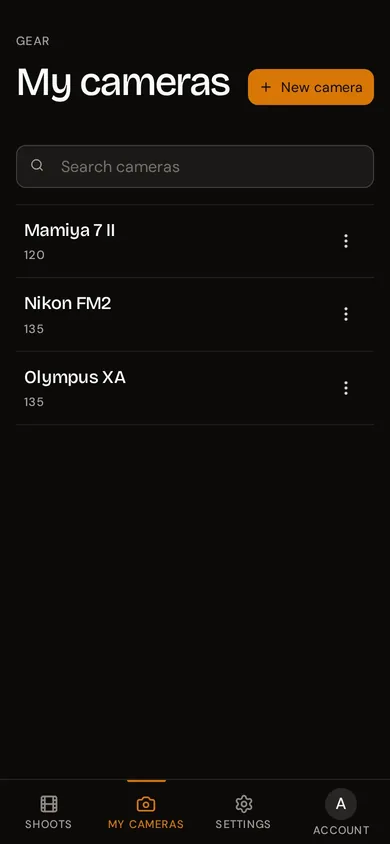
Add your cameras and lenses once. The built-in film library has over fifty stocks ready to use. Takes two minutes and you never have to type "Portra 400" again.
Five movements. Each takes seconds. Together they turn a bag of unlabelled rolls into a searchable, trustworthy archive of how you actually shoot and where you shot it exactly.
Add your cameras and lenses once. The built-in film library has over fifty stocks ready to use. Takes two minutes and you never have to type "Portra 400" again.
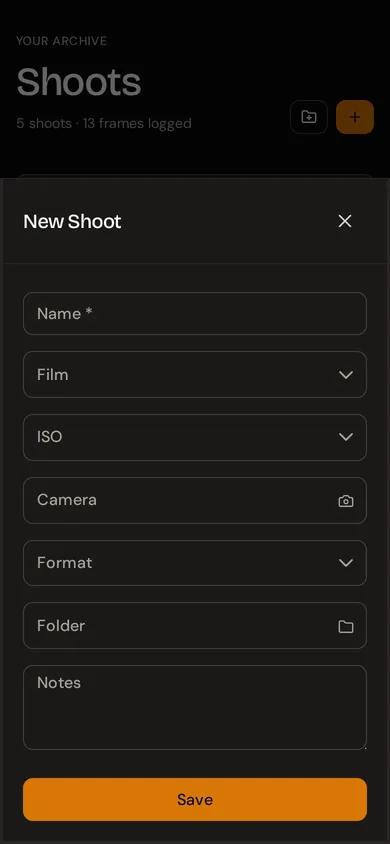
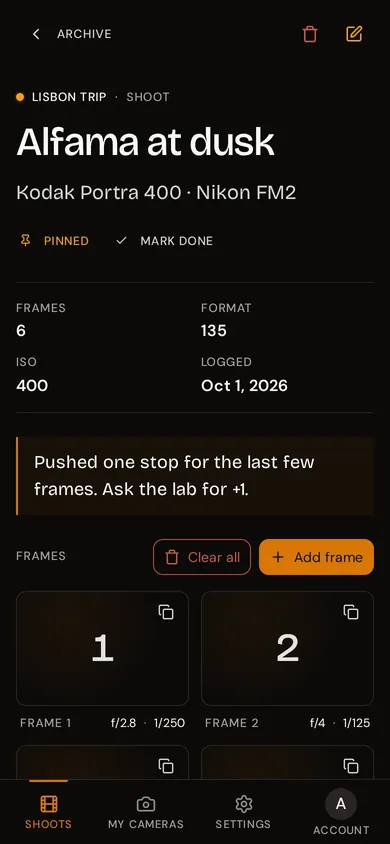
Give it a name, pick your camera and film stock, set your ISO and format. Your shoot is created and ready for frames. The whole thing takes about ten seconds.
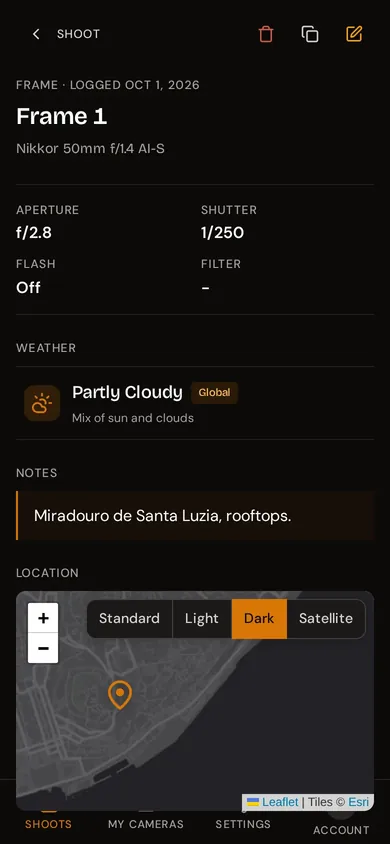
After each shot, open rollnote and log the frame. Aperture, shutter speed, lens, weather, GPS, filter... Designed to be done one-handed in seconds, so it doesn't interrupt your flow.
Your roll is now developed. Open rollnote and every frame's settings are exactly where you left them. Compare your notes to the developed negatives and finally understand what worked and what didn't.
Head to Settings to add anything that's missing. Custom film stocks, lenses, ISO values, film formats, weather conditions, and filters. If it's not in the default list, add it in seconds.